Preeti vs Unicode: What's the Difference and Which Should You Use?
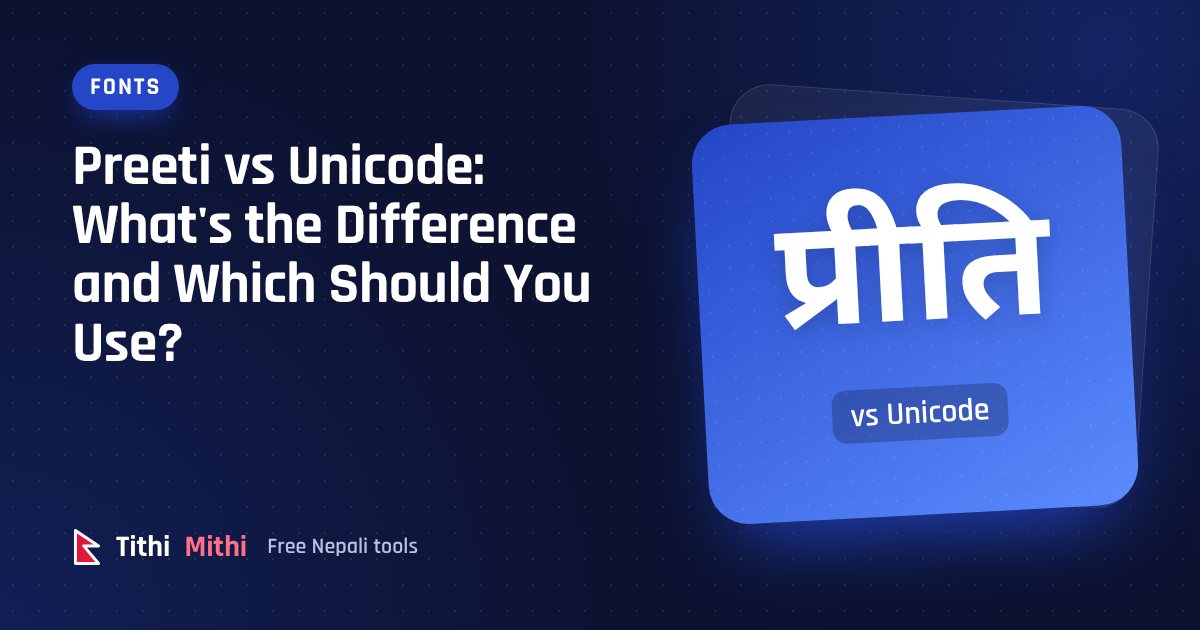
If you've ever copied Nepali text from an office Word file into Facebook and got something like g]kfn ;/sf/, you've met the difference between Preeti and Unicode. They look the same on the screen of the computer that made the document, but they work in completely different ways.
This article explains the difference in plain language and helps you decide which one to use.
What is Preeti?
Preeti is a font that became popular in Nepal before computers supported Nepali properly. Its trick is simple: it takes the ordinary English keys and draws Nepali shapes over them.
When you type the letter g with the Preeti font selected, the computer still stores the English letter g. The Preeti font just paints it as न. So the word नेपाल is really stored as the English characters g]kfn.
That worked well on a single office computer. The problems start when the text leaves that computer.
What is Unicode?
Unicode is the worldwide standard for storing text in every language. Each Nepali letter has its own code: न, े, प, ा and ल are all real Nepali characters, not English letters in disguise.
Because the computer knows the text is Nepali, any font that supports Devanagari can show it correctly. Your phone, your browser and your email all understand it, with nothing extra to install.
Side-by-side comparison
| Preeti | Unicode | |
|---|---|---|
| How नेपाल is stored | g]kfn (English letters) | न े प ा ल (Nepali letters) |
| Needs a special font | Yes, Preeti must be installed | No |
| Works on phones | No, shows English gibberish | Yes |
| Works on websites and social media | No | Yes |
| Google can search it | No | Yes |
| Spell check and sorting | Doesn't work | Works |
| Common in old office documents | Very | Growing |
Why Preeti text breaks
Imagine you send a Preeti document to a friend whose computer doesn't have the Preeti font. Their computer looks for a font called Preeti, doesn't find it, and falls back to a normal English font. Suddenly नेपाल सरकार reads g]kfn ;/sf/.
The same thing happens when you paste Preeti text into a website or a chat app. The app uses its own fonts, so the English letters underneath become visible.
Unicode doesn't have this problem, because the letters themselves are Nepali.
When should you use Unicode?
Use Unicode for almost everything:
- Facebook, Instagram, WhatsApp, Viber and other apps
- Emails and text messages
- Websites, blogs and online forms
- Google Docs and new Word documents
- Anything you want people to find through Google
If you're typing something new, start in Unicode. The easiest way is the Nepali typing tool, where you write with English letters and get Unicode Nepali.
When do you still need Preeti?
Preeti isn't gone yet. You may still need it when:
- your office, school or printing press has templates in Preeti, such as certificates, letterheads or notices
- a layout program or an old printer setup only supports Preeti
- you're editing an old document that's already in Preeti
In these cases you don't have to retype anything. Write in Unicode, then convert it with the Unicode to Preeti converter, paste it into Word and choose the Preeti font. Our guide on using Preeti in Microsoft Word shows each step.
Moving old Preeti documents to Unicode
If you have years of documents in Preeti, converting them to Unicode is worth it. The text becomes searchable, it works on phones, and you're no longer tied to one font.
- Open the document and copy the Nepali text.
- Paste it into the Preeti to Unicode converter.
- Copy the Unicode result into a new document and choose a Unicode font such as Mukta, Kalimati or Noto Sans Devanagari.
Read how to convert Preeti to Unicode without retyping for tips on mixed English and Nepali text.
The bottom line
Preeti was a clever solution for its time, but it only works where the font is installed. Unicode works everywhere. Type new text in Unicode, convert to Preeti only when an old template demands it, and move your old Preeti files to Unicode when you can.
Try it now
Type Nepali with English letters and copy Unicode or Preeti in one tap. Free, and nothing you type leaves your device.
Open the Nepali typing toolKeep reading
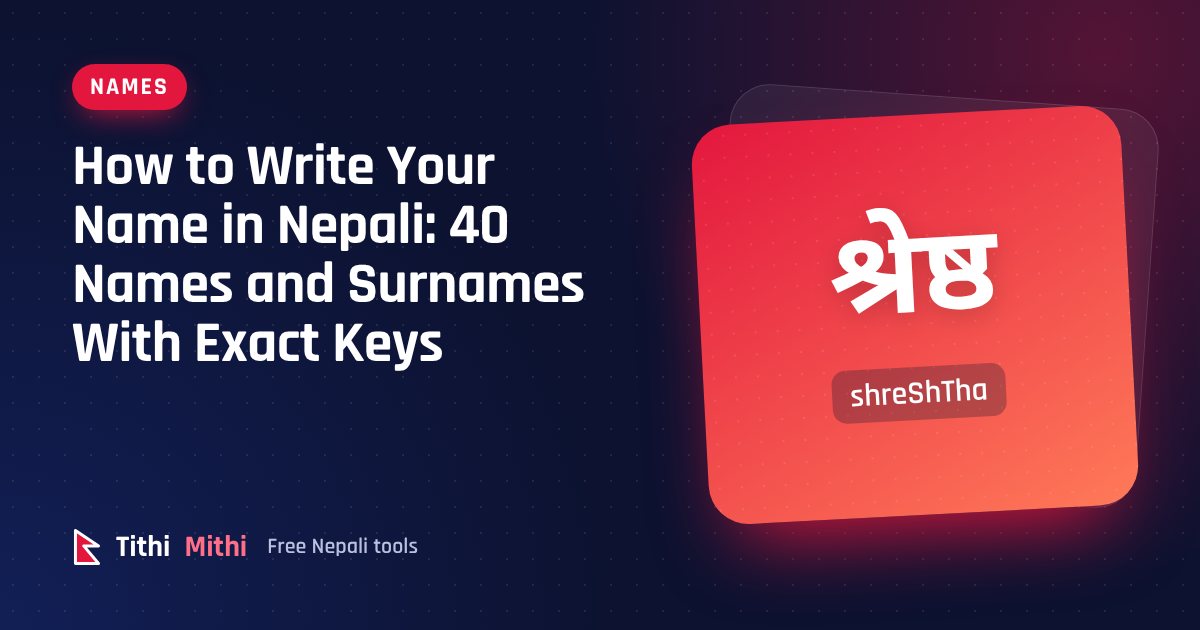
How to Write Your Name in Nepali: 40 Names and Surnames With Exact Keys
Learn to write your name and surname in Nepali Unicode. 40 common names with the exact keys to type, plus the 6 rules that fix most spelling mistakes.
Read the guide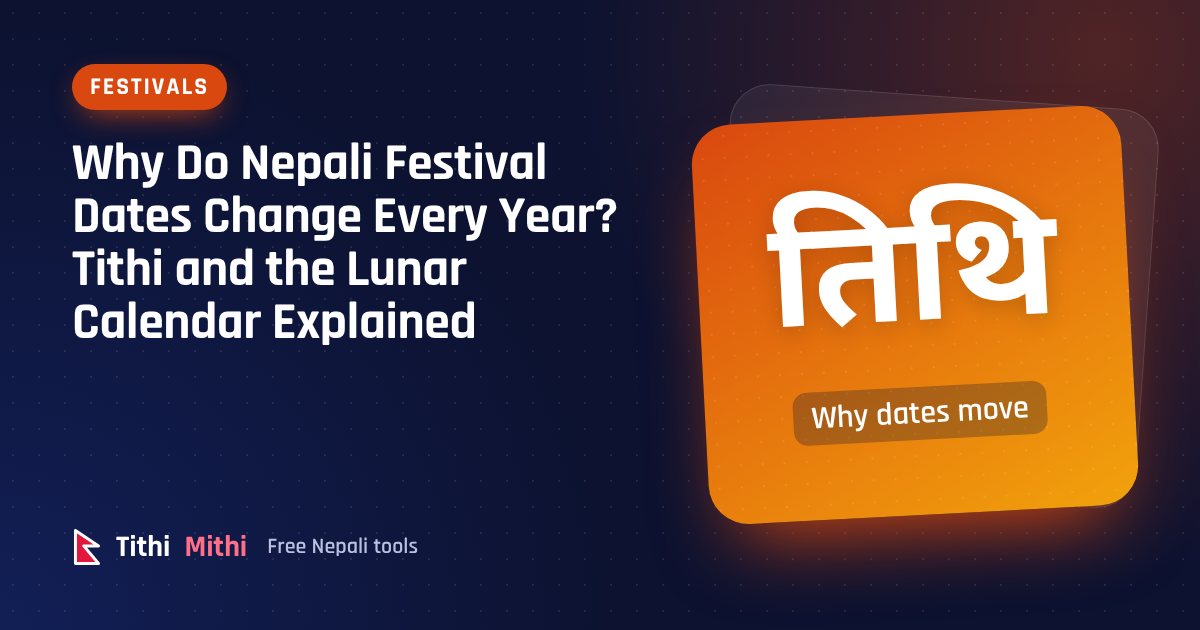
Why Do Nepali Festival Dates Change Every Year? Tithi and the Lunar Calendar Explained
Dashain, Tihar and Holi fall on different dates every year while New Year and Maghe Sankranti don't. Here is how tithi, lunar months and leap months decide festival dates in Nepal.
Read the guide
How to Write an Amount in Words on a Cheque in Nepal (Nepali and English)
Write cheque amounts in words correctly in English or Nepali, with lakh and crore, paisa and the word “Only”. Examples, a table and the mistakes that get cheques rejected.
Read the guide