How to Type in Nepali Unicode on Your Phone and Computer
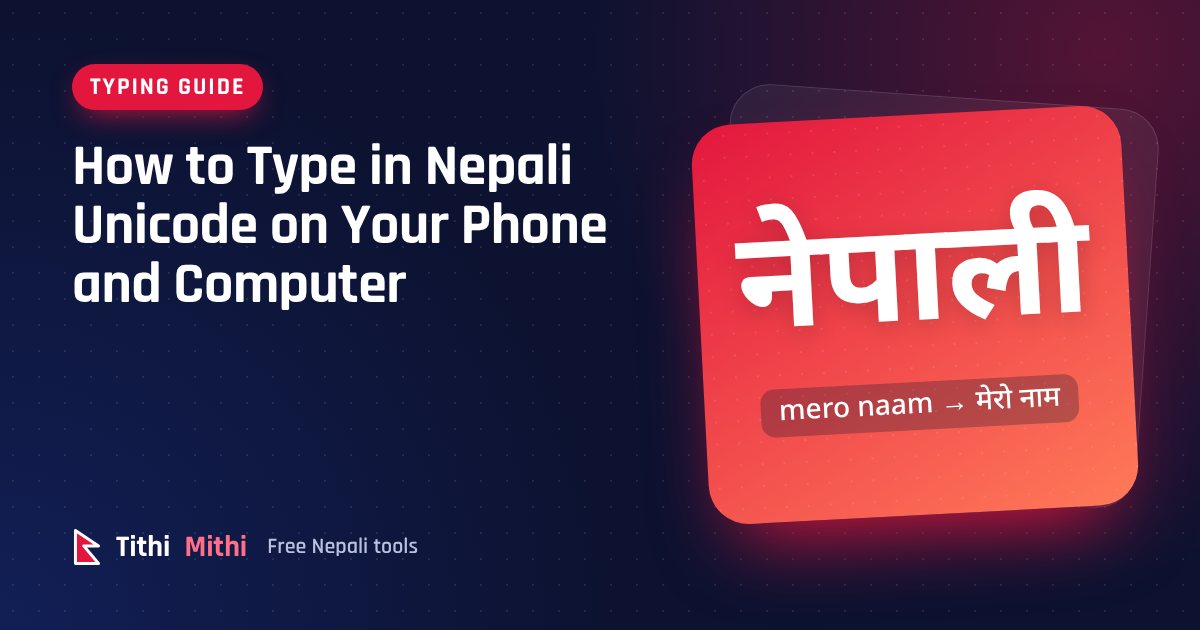
Typing in Nepali used to mean installing special fonts and memorising a keyboard layout. Today every phone and computer understands Nepali Unicode, the standard way of storing Nepali text. Once your words are in Unicode, you can paste them into Facebook, Messenger, Gmail, Google Docs, Microsoft Word or a website, and they look right everywhere.
This guide shows three ways to type Nepali Unicode, starting with the easiest. You don't need to install anything for the first one.
Method 1: Type with English letters online
If you can type English, you can already type Nepali. A Romanized (phonetic) typing tool turns English letters into Nepali as you type, based on how the words sound.
- Open the Nepali Unicode typing tool.
- Make sure English letters is selected.
- Type a sentence the way it sounds, for example
mero naam samir ho. - The Nepali appears immediately: मेरो नाम समिर हो.
- Tap Copy Nepali text and paste it wherever you need it.
The same tool also gives you the Preeti version of your text (d]/f] gfd ;ld/ xf]), which is useful if your office still uses Preeti templates. You can even turn your words into an image in a Nepali font, ready for a poster or a social media post.
This method works on any device with a browser, including school and office computers where you aren't allowed to install software.
A few rules to remember
| You type | You get | Why |
|---|---|---|
nepaal | नेपाल | Double aa gives the long आ sound |
paanii | पानी | Double ii gives the long ई sound |
kahaa^ | कहाँ | ^ adds the chandrabindu (ँ) |
saMsaar | संसार | Capital M adds the anusvara (ं) |
garchhan\ | गर्छन् | A backslash adds halant at the end of a word |
Our Romanized Nepali typing guide lists every letter with examples.
Method 2: Add a Nepali keyboard to your phone
Both Android and iPhone include Nepali keyboards. Menu names can differ slightly between phone models and versions, but the steps are similar.
Android (Gboard)
- Open Settings, then System (or General management), then Languages and input.
- Choose On-screen keyboard, then Gboard, then Languages.
- Tap Add keyboard and search for Nepali.
- Pick the layout you like. Gboard offers a Devanagari layout, and in many versions a transliteration layout that turns English letters into Nepali.
- While typing, hold the globe or space bar to switch between English and Nepali.
iPhone and iPad
- Open Settings, then General, then Keyboard, then Keyboards.
- Tap Add New Keyboard and choose Nepali.
- In any app, tap the globe key to switch to the Nepali keyboard.
Phone keyboards are great for short messages. For long documents, a computer is still faster.
Method 3: Install a Nepali keyboard on your computer
Windows
- Open Settings, then Time & language, then Language & region.
- Select Add a language, search for Nepali and install it.
- Press Windows + Space to switch between English and Nepali.
The built-in Windows layout follows the standard Devanagari arrangement. Many people in Nepal prefer the Romanized or Traditional Nepali Unicode keyboard layouts published by Madan Puraskar Pustakalaya, which you can install separately. The Traditional layout matches the Preeti keyboard, so it's ideal if you learned to type in an office.
Mac
- Open System Settings, then Keyboard.
- Under Text Input, choose Edit next to Input Sources, then the + button.
- Search for Nepali or Devanagari and add the layout you prefer, such as Devanagari – QWERTY, which follows English key positions.
- Switch layouts from the menu bar or with Control + Space.
Which method should you use?
- For quick messages and posts: your phone's Nepali keyboard, or the online tool.
- For long documents on someone else's computer: the online tool. Nothing to install, and you can download your text as a file.
- If you type Nepali every day at work: install a Romanized or Traditional layout on your own computer.
- If you have old Preeti text: don't retype it. Use the Preeti to Unicode converter.
Common questions
Is Unicode the same as Preeti? No. Preeti is an older font that only looks Nepali when that font is installed. Unicode works everywhere. Read Preeti vs Unicode for the full story.
Will Google find my Nepali text? Yes. Unicode Nepali is searchable, which is why websites and blogs should always use it.
Can I type Nepali numbers? Yes. In the online tool, typing 2083 gives २०८३. See our guide to Nepali numbers.
Start with the Nepali typing tool. Type one sentence, copy it, and paste it into your next message.
Try it now
Type Nepali with English letters and copy Unicode or Preeti in one tap. Free, and nothing you type leaves your device.
Open the Nepali typing toolKeep reading
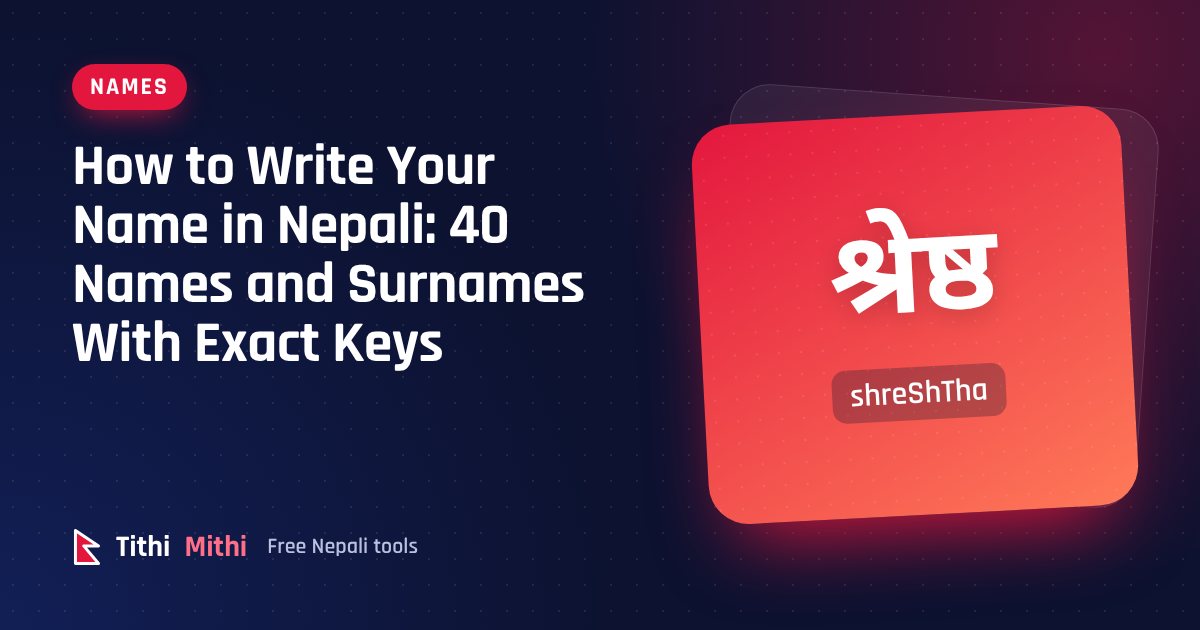
How to Write Your Name in Nepali: 40 Names and Surnames With Exact Keys
Learn to write your name and surname in Nepali Unicode. 40 common names with the exact keys to type, plus the 6 rules that fix most spelling mistakes.
Read the guide
Why Do Nepali Festival Dates Change Every Year? Tithi and the Lunar Calendar Explained
Dashain, Tihar and Holi fall on different dates every year while New Year and Maghe Sankranti don't. Here is how tithi, lunar months and leap months decide festival dates in Nepal.
Read the guide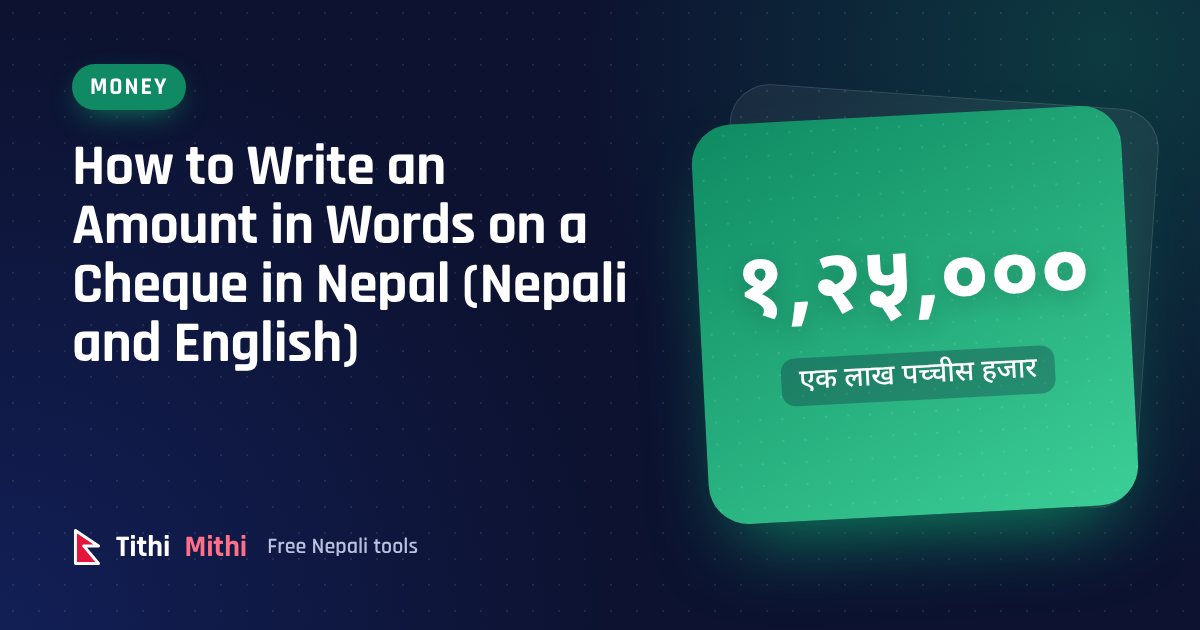
How to Write an Amount in Words on a Cheque in Nepal (Nepali and English)
Write cheque amounts in words correctly in English or Nepali, with lakh and crore, paisa and the word “Only”. Examples, a table and the mistakes that get cheques rejected.
Read the guide